CompanyCam
Photo and video documentation app for contractors that timestamps, organizes and auto-generates reports from job-site photos, with AI-powered automation.
🔗 Visit CompanyCam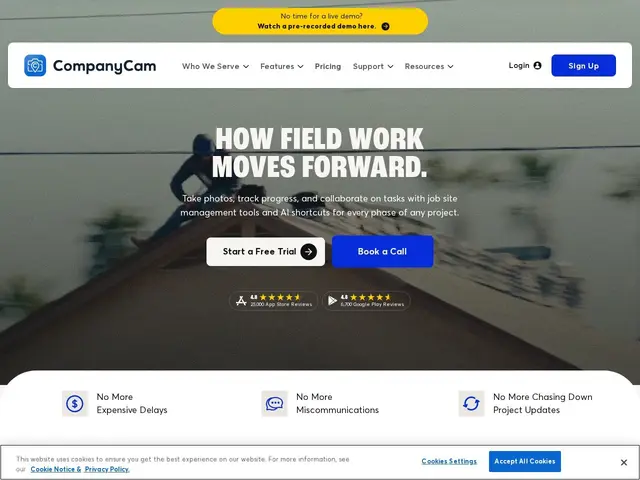
Description
A roofer, plumber or general contractor takes dozens of photos on every job — before/after shots, proof of work for insurance, evidence if a customer disputes something later. Most of those photos end up scattered across someone's phone camera roll with no organization. CompanyCam is a camera app built specifically for that job: every photo is automatically timestamped, geotagged and organized by project, so a company always has a clean, provable record of every job it did. CompanyCam covers photo/video capture with AI-generated context tagging, project galleries and timelines, in-app crew communication, AI-generated reports and checklists, live crew location tracking, room measurement tools, on-site payment collection, digital agreement signing, and auto-translation for multilingual crews. It integrates with 60+ other tools used by trade businesses and offers an add-on marketing suite (social content generation, review requests) on top of its core documentation product.
💬 Our review
The short version: if your business sends crews to physical job sites, CompanyCam replaces "photos scattered across someone's personal phone" with an organized, timestamped, provable record — and it's become close to an industry standard for that specific job.
The core value is simple but genuinely useful: automatic organization and timestamping of job-site photos solves a real, chronic problem for trades businesses (proving work was done, resolving disputes, satisfying insurance documentation requirements) that generic photo apps and even project-management tools like Procore don't handle as well for smaller field-service operations. The AI additions (auto-generated reports, context tagging, auto-translation for multilingual crews) are recent, useful layers on top of that core rather than the main reason to buy it. The honest trade-off is price at scale — per-user pricing ($63-$199+/month per seat, plus $29/additional user) adds up quickly for a company with a large field crew, and CompanyCam is intentionally narrower than a full field-service-management suite like Procore or Buildertrend, which include scheduling, estimating and invoicing that CompanyCam doesn't. For a company that just needs bulletproof photo documentation without buying a whole ERP-style platform, it's close to the default choice in trades; for one that needs end-to-end job management, it's a complement to a broader tool, not a replacement.
💰 Pricing
📊 Global score
🤖 AI-enriched data
Pros
Automatic timestamping/organization of job-site photos, purpose-built for trades
AI-generated reports, checklists, and auto-translation for multilingual crews
60+ integrations with other trades-industry software
Live crew tracking and on-site payment collection
Cons
Per-user pricing scales up fast for larger crews
Narrower scope than a full field-service platform (no scheduling/estimating/invoicing core)
❓ Frequently asked questions
- What does CompanyCam actually solve?
- It organizes and automatically timestamps every job-site photo a crew takes, so a trades business has a clean, provable record for every job — replacing photos scattered across personal phone camera rolls.
- Does it do more than just photos?
- Yes — AI-generated reports and checklists, crew messaging, live location tracking, room measurement, on-site payment collection, and digital agreement signing on top of its core photo/video documentation.
- How much does it cost for a larger crew?
- Base tiers cover a small number of users ($63-$199/month), with additional users at $29/month each — so a crew of 10-15 people costs meaningfully more than the entry price suggests.
- Is it worth the money compared to alternatives?
- For pure job-site photo documentation, yes — it's purpose-built for this and does it better than a generic photo app or general project tool. If you need scheduling, estimating and invoicing too, you'll end up paying for both CompanyCam and a broader platform like Procore or Buildertrend, so budget for both rather than expecting one to replace the other.
- Which tool should you pick for your case?
- Job-site photo documentation and crew communication only: CompanyCam. Need full field-service management (scheduling, estimating, invoicing) for a larger operation: Procore or Buildertrend. Lightweight task/plan tracking on construction sites: Fieldwire.