Design, UI/UX & Prototyping

1 tool

design Design, UI/UX & Prototyping1 tool curated by the community. Most popular: Magic Patterns. Each tool comes with a review, tags and alternatives to help you choose.

❓ Frequently asked questions about Design, UI/UX & Prototyping

What is Design, UI/UX & Prototyping?

Design, UI/UX & Prototyping groups 1 tools curated by the mySelectas community. Most popular: Magic Patterns.

What are the best free Design, UI/UX & Prototyping tools?

mySelectas lists several free options in this category. See in particular: Magic Patterns.

What is the best alternative to Magic Patterns?

Discover alternatives to Magic Patterns on mySelectas. See all alternatives →

1 tool
Magic Patterns
Design, UI/UX & Prototyping🌐 EN

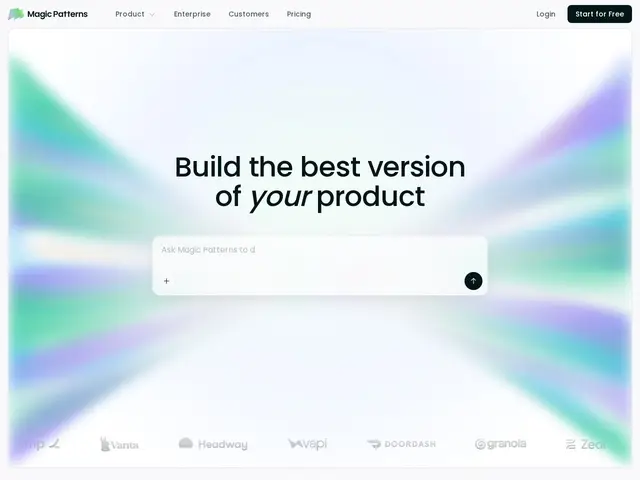
AI tool that turns chat prompts into working UI prototypes matching your existing design system, exportable to React and Figma.

#design#collaboration#react#ai#generative-ai
magicpatterns.com
📄 Full details →
💬 Review

The short version: Magic Patterns is worth it if your bottleneck is designer bandwidth for early-stage screens — it turns a Slack description into a clickable prototype that already looks like your product, not a Figma-shaped alien. The design-system import is the feature that actually differentiates it from generic "AI builds you a UI" tools like Lovable or v0: because it ingests your real component library and tokens first, what comes out is closer to something engineering can ship with light cleanup, rather than a from-scratch reskin job. The trade-off is that it's a prototyping accelerato…

👥 Target audience

Product teams and designers at startups and enterprises | Engineers who need a clickable prototype fast without waiting on design

🌍 Target countries

Worldwide

🗣️ Available languages
EN
🔄 Alternatives
Figma MakeFramerLovablev0 by Vercel
🔗 Visit Magic Patterns